Staff leave, without the spreadsheet
Your team asks for time off, the right person says yes, and it's on the team's chart straight away. Allowances, half days, sickness, public holidays and carry-over are worked out for you.
14 days free. No card, no sales call.

- Nothing to add up
- Allowances, pro rata for someone who joined in March, half days, your country's public holidays and carry-over. Worked out every time anyone asks.
- Straight to the right person
- A request goes to the person who answers for that team, with the days, what they cost and what they leave already on it.
- Nothing to learn
- No settings that need a manual, and nothing anyone has to be trained on before they book a Friday off.
Ask, answer, done
Three screens, in the order they happen.
-
Ask
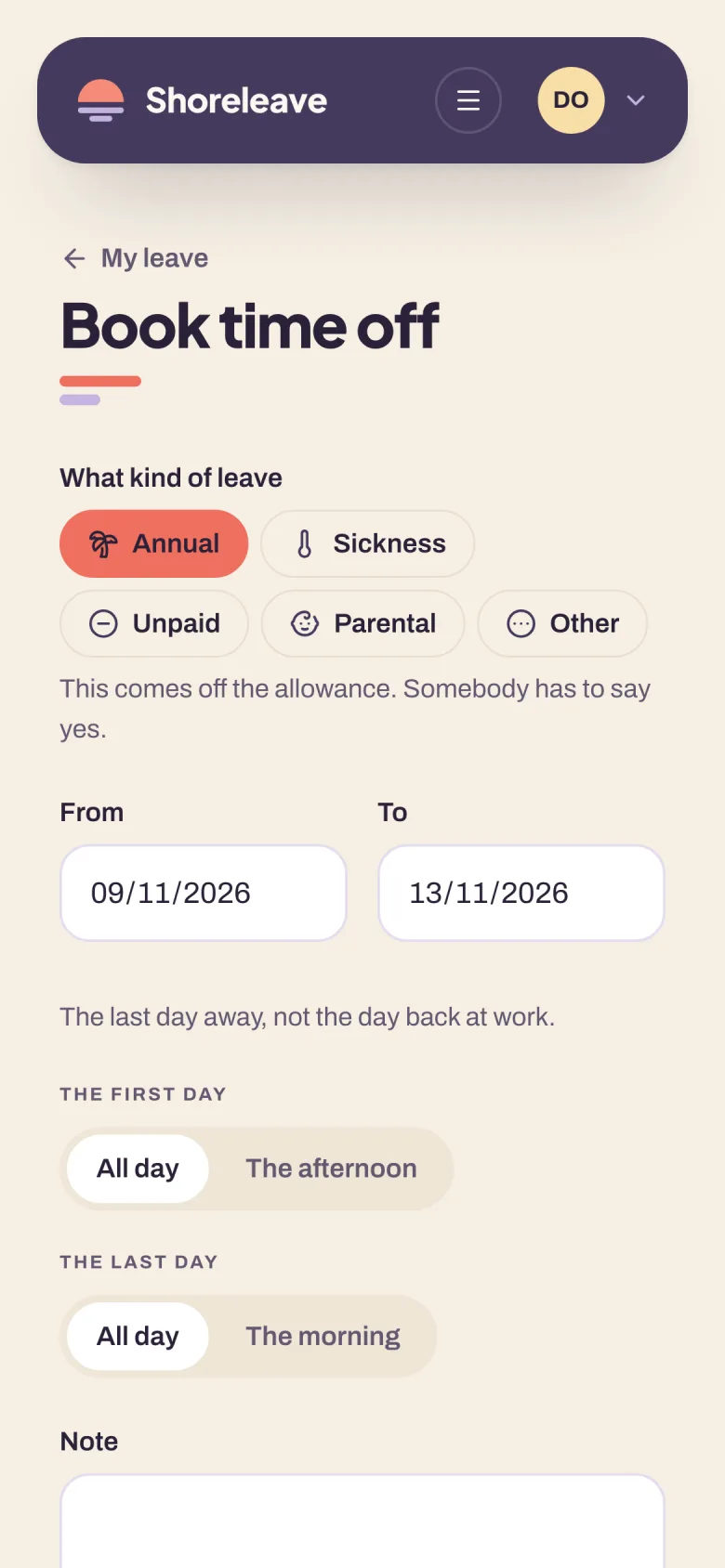
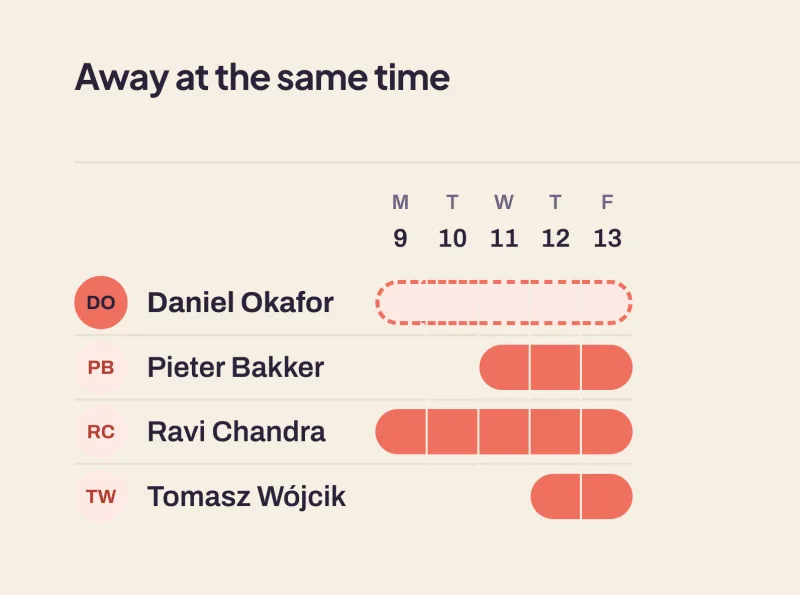
Pick two dates. It counts the working days, leaves out the weekends and the public holidays, and says what the request costs and what it leaves. Before it's sent, you can already see who else is off those days.
-
Answer
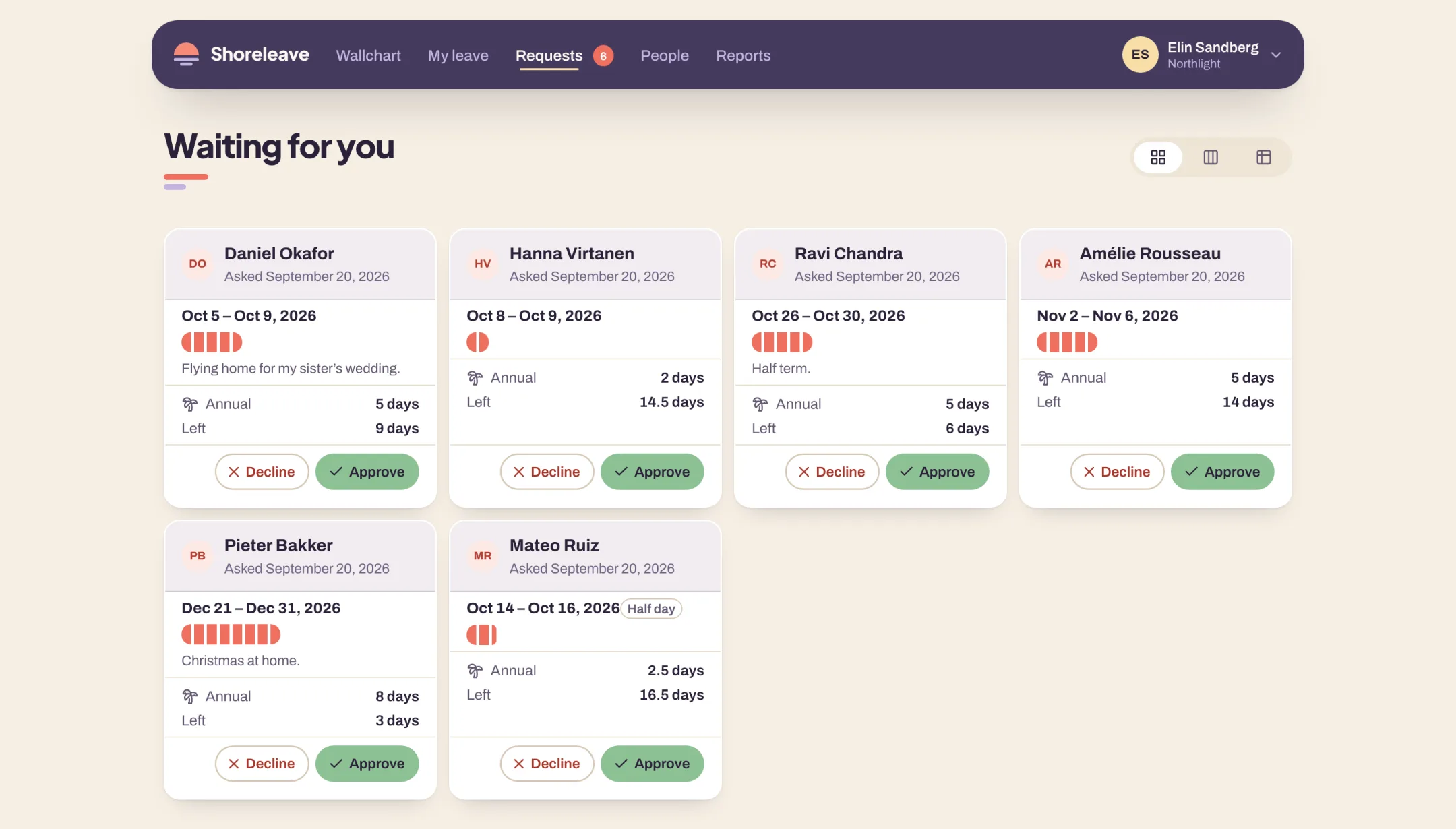
Everything waiting on you is in one queue, longest wait first. Each one shows the days, what they cost, and what saying yes would leave that person, so you can answer without going to look anything up.
-
Know
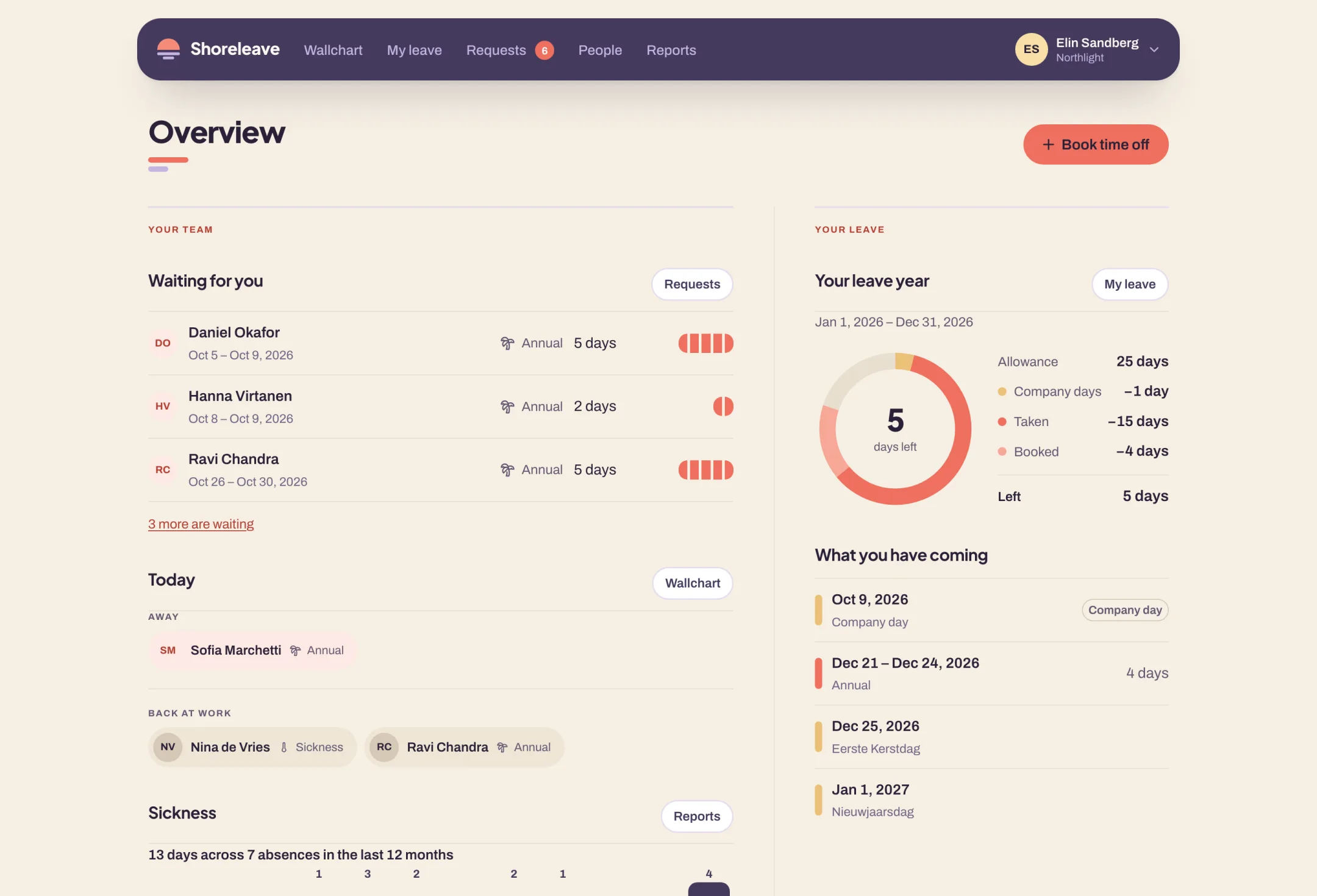
Your dashboard is the short version of the wallchart: who is off today, who is back, what's waiting for you, and what you have left of your own year. It's the same on a phone, and the chart itself goes full screen for a television in the corridor.


More than holidays
Sickness, unpaid leave, parental leave, and whatever else your company calls a day off. Pick the kind when you book, and the ones that should not come off the allowance do not.

- Sickness with no end date
- Record it the morning someone calls in. It counts up to today and no further, and you give it a last day when they're back.
- Your own kinds of leave
- Add the ones your trade has, in your own words, each with its own icon and color so a chart can tell them apart.
- Reports and a payroll export
- Balances, absence and sickness over any period you pick, and a CSV your payroll can read.
Works with what you already use
Sign in with the accounts your company already has, answer requests without leaving chat, and read everyone's leave in the calendar you already have open.
- Google Sign in with a Google Workspace account. Require it, and suspending someone there locks them out here within the hour.
- Microsoft Sign in with a Microsoft 365 account. Work and school accounts only, so nobody gets in on a personal address.
- Slack Approve or decline from a message, ask who is off, and a morning post if you want one.
- Microsoft Teams Approve or decline from a card, ask the bot who is off, and a morning post if you want one.
- Your calendar A link you subscribe to once: your own leave, your team's, or the whole company.
Not everyone at work reads English
Everyone picks the language they want and the product changes for them, which is what you need when the team isn't all in one country. Your own words for a team or a kind of leave stay yours in all of them.
- EN Who is away
- NL Wie is er afwezig
- DE Wer ist abwesend
- FR Qui est absent ?
- ES ¿Quién está ausente?
- IT Chi è assente
- PL Kto jest nieobecny
One price, per person
€1$1
per person, per month
No tiers to compare, no minimum, and nothing counted but the people in your company. Everything is included, and a leaver you archive is off the bill from the next month.
- Every feature, for everyone in the company
- Signing in with Google and with Microsoft
- Slack, Microsoft Teams and the calendar link
- Reports and an export for payroll
Billed monthly. Cancel whenever you like.
Four questions and you're set up
Your company and where it is, whether you count in days or hours, when your leave year starts and what a new person gets, and how your people sign in. Your country's public holidays are on the chart before you have finished reading this page.
-
Your company and where it is
Which picks the public holidays you get.
-
Days or hours
Count leave the way your contracts already do.
-
Your leave year and allowance
Start it in January, April, or the month you actually use.
-
How your people sign in
A password, or the Google or Microsoft account they already have.
Everything else has a sensible default, and you change it later or never.
Try it with your own team
Fourteen days, everything switched on, and no card until you decide to stay.